


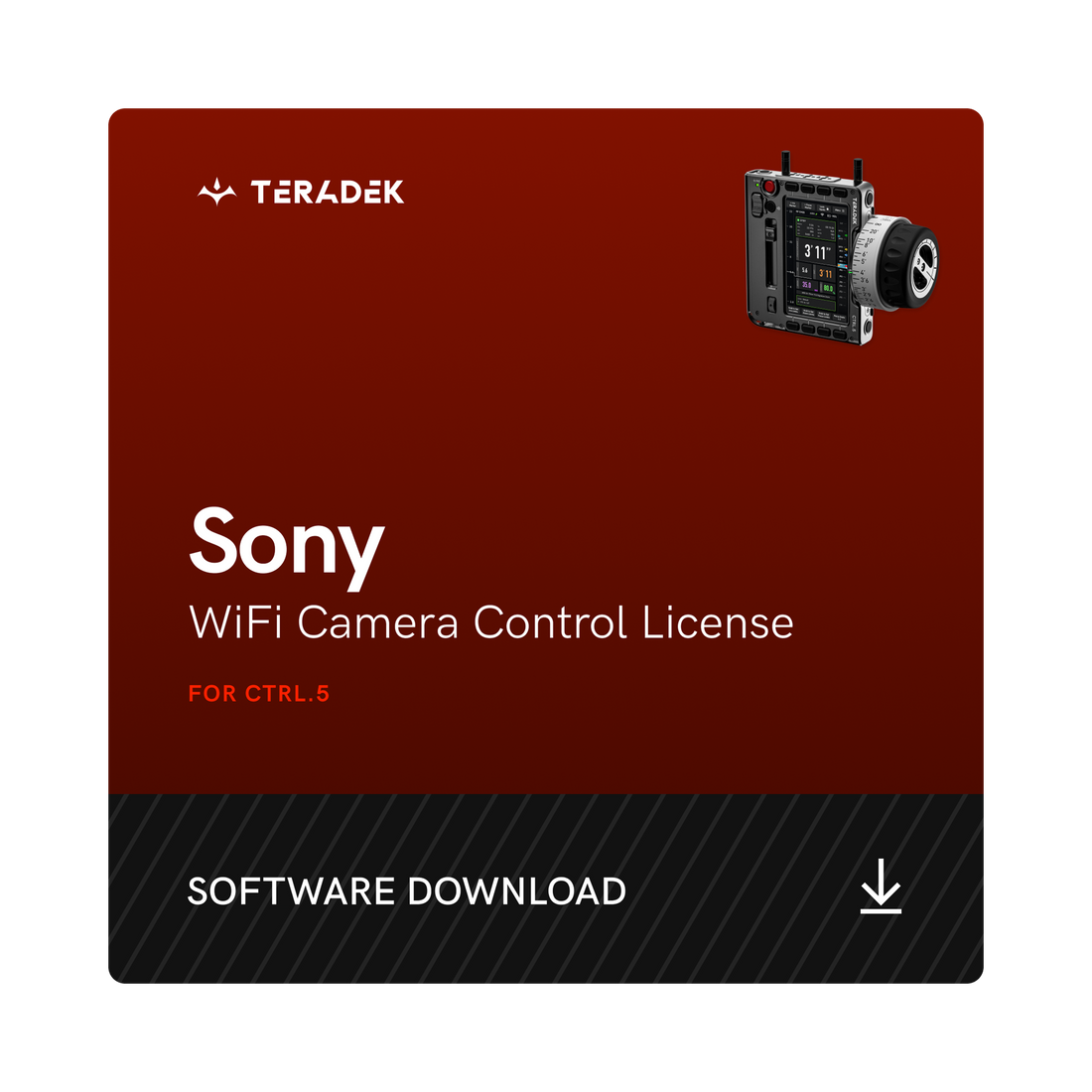
WiFi Camera Control License for CTRL.5
Software
- Add WiFi Camera Control License to your CTRL.5
- Access essential camera settings
- Make adjustments without breaking your shot
Couldn't load pickup availability
Email Delivery
Take control of your Sony camera by adding the WiFi Camera Control License to your CTRL.5. This license allows the CTRL.5 to directly access essential camera settings like ISO, Shutter Speed, White Balance, and more right at your fingertips.
The “Camera” Page in CTRL.5 gives camera statuses and basic configurations. Camera settings can also be assigned to CTRL.5 user buttons for even faster access.
For Sony Venice and Venice 2, CTRL.5 users can also load and access the Sony web interface right from their handset. This gives users control of the full camera menu settings and playback controls!
Perfect for Stedicam, handheld rigs, or jib applications, the WiFi Camera Control License for CTRL.5 lets you make rapid adjustments without breaking your shot.
* Update your CTRL.5 to the latest firmware in order to use Sony WiFi Camera Control.
Leveraging WiFi-based communication protocols, the CTRL.5 connects directly to your Sony camera via one of multiple flexible network configurations:
- Connect the CTRL.5 to your camera’s WiFi network
- Connect the camera to the CTRL.5’s WiFi access point
- Or connect both the CTRL.5 and camera to a shared WiFi router, like the Link AX
- IP control can even be used for camera control in remote locations off set
Supported Sony cameras include:
- VENICE (Sony Web Interface support also included)
- VENICE 2 (Sony Web Interface support also included)
- BURANO
- FX6
Once a camera control license is registered to your CTRL.5, it cannot be removed or transferred to a different hand unit. Teradek licenses are non-refundable.
You will receive an email with next steps upon purchase.



- Choosing a selection results in a full page refresh.
- Opens in a new window.